Find the information you need
Online texts use headlines, headings, menus, links, graphics and layout to guide readers. Start with a reading purpose: What am I trying to find? Then use a clear label to choose where to look and read the information you reach.
Learning intention: I can use and explain features that help me find information in print and online texts, and compare two online texts on the same topic.
- I can name the exact heading, link or graphic I used and explain what it helped me find.
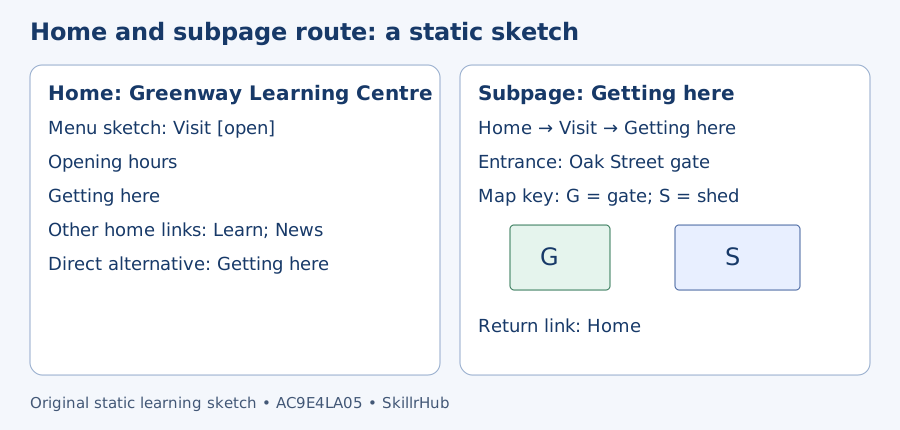
- I can trace a route from a home page to a relevant subpage and report the information there.
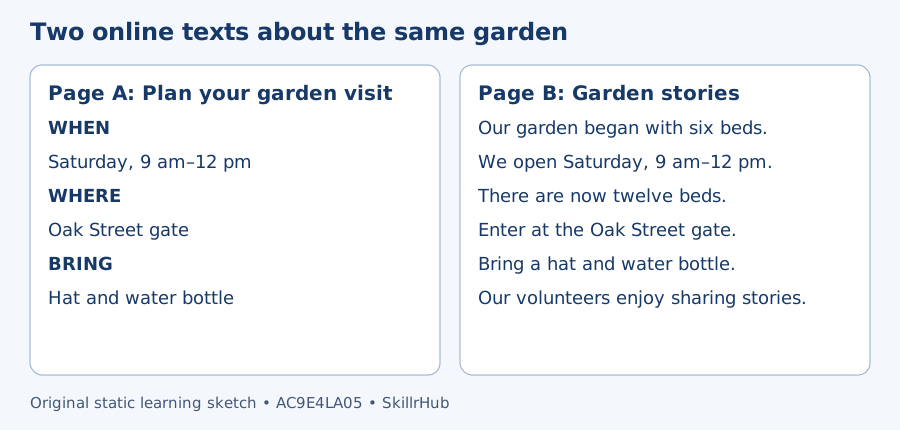
- I can compare two same-topic pages for a stated purpose and design clearer labels or a simple layout.
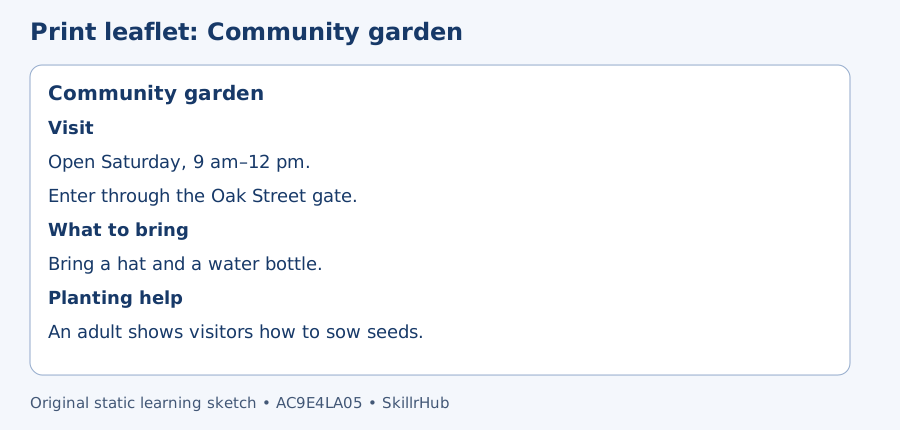
Preparation model: A leaflet has subheadings “Opening times”, “What to bring” and “Getting there”. To find a bus stop, start with “Getting there”. Match your reading purpose to the label, then read the section.
Materials and time: Allow about 25–35 minutes with the supplied examples, paper and a pencil. No external account or website visit is needed.